Get started
Meet Prose
Get from a blank chat to a reviewed draft in a few minutes.
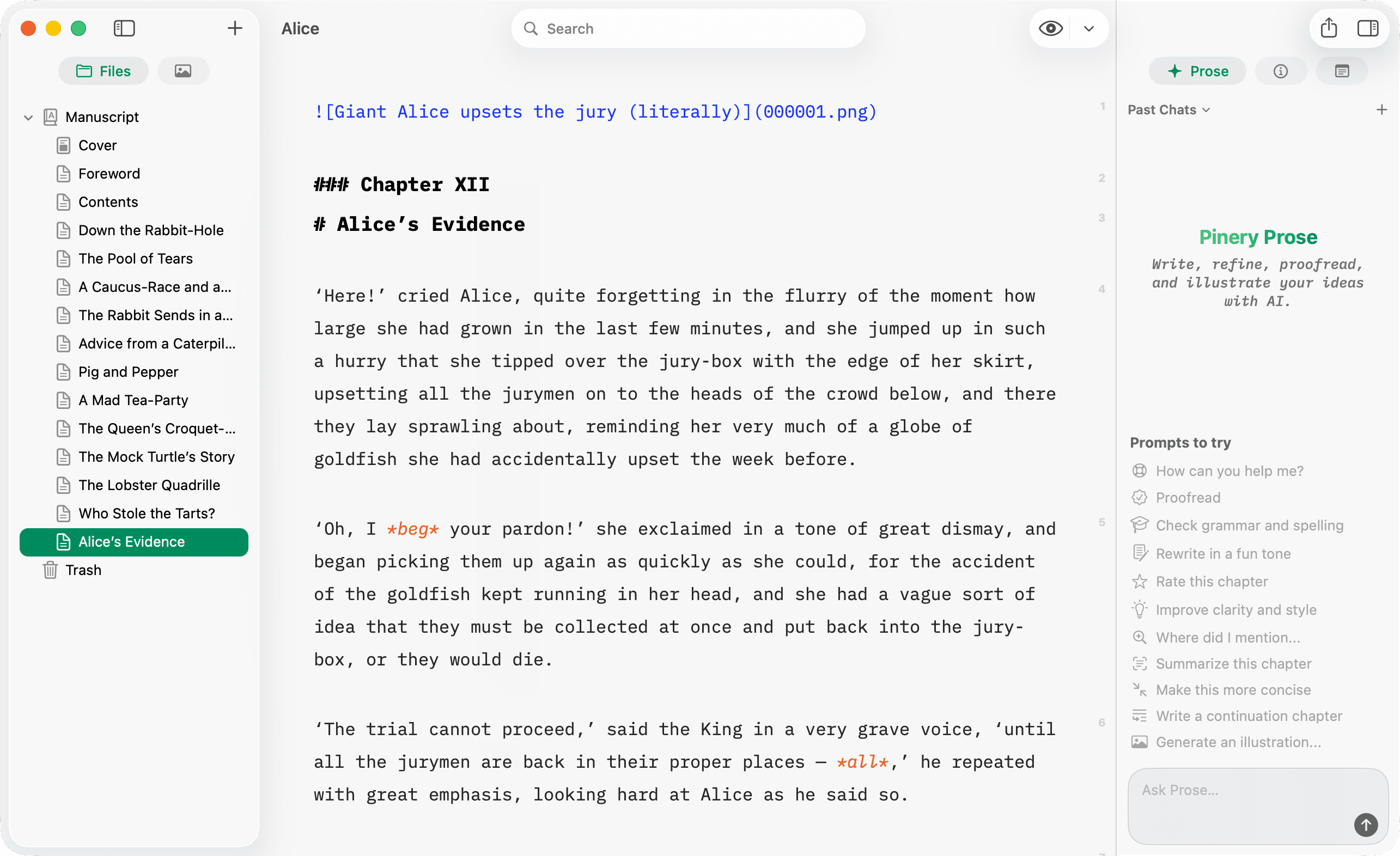
Open Prose
- Open a book and select a chapter in Files.
- Stay in the Write tab (
⌘Rtoggles Write / Design). - Open the Prose panel from the right inspector (sparkle icon).
Try a first prompt
Click a suggestion under Things to try, or type in Ask Prose…:
Proofread this chapter for grammar and clarity. Keep my voice.
Or draft something new:
Write a short foreword (about 200 words) in a warm, literary tone. No images.
Review before you accept
Prose streams a reply in the chat. When it proposes manuscript changes, each one arrives as a suggestion with Accept and Reject buttons—nothing lands in your chapter until you accept it.
Prose requires an active Pinery subscription and a network connection.