Design & export
How Pinery previews your book
You write one manuscript. Pinery offers different views so you can edit, check layout, and approximate e-readers—without maintaining separate files.
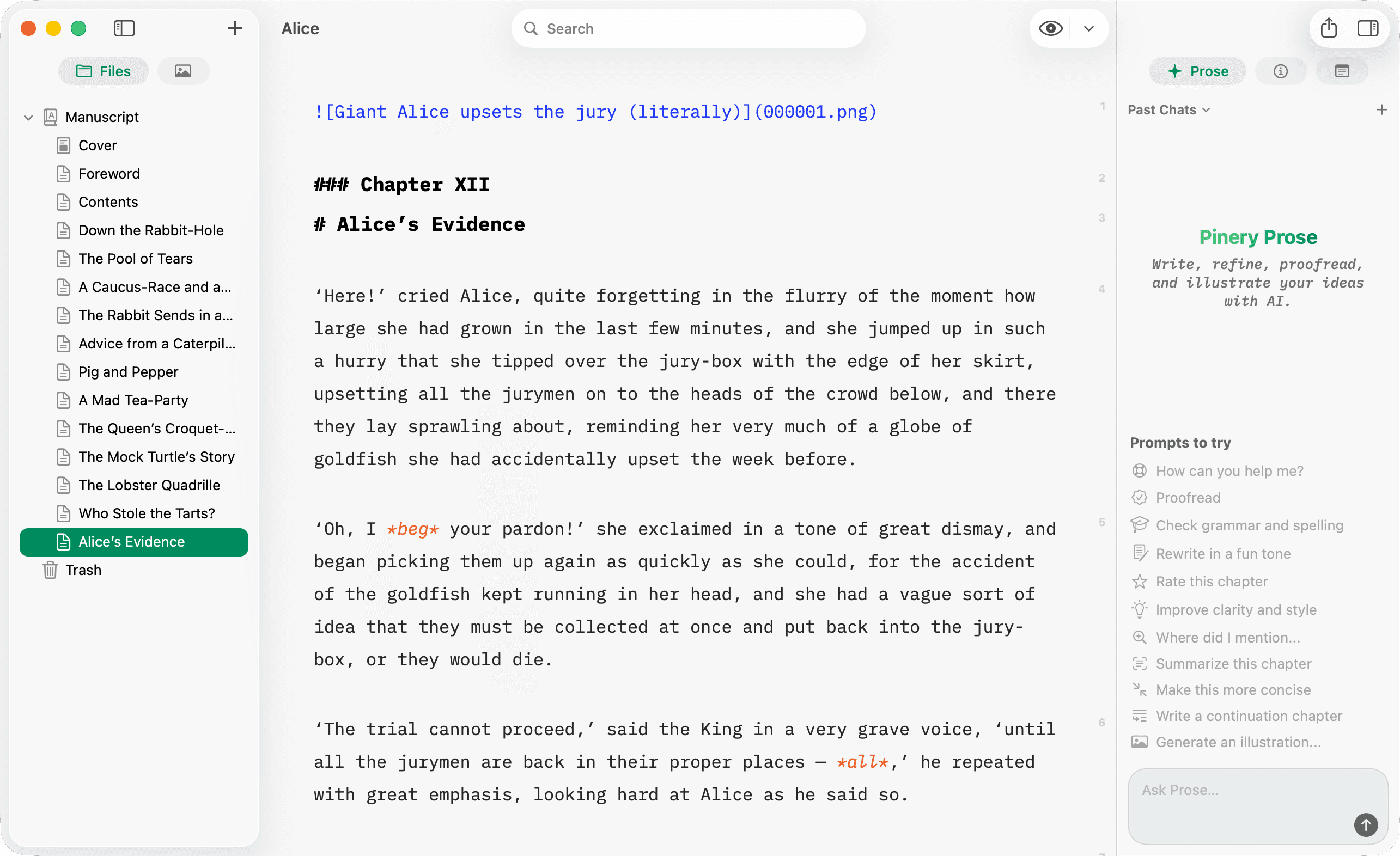
Write — the source
The Write tab is your Markdown editor.
- Syntax highlighting for prose and code
- Structure tools (headings, lists, footnotes)
- No pagination—optimized for drafting
Use Write when you are producing words, not judging page breaks. Toggle with ⌘R.
Design — paginated layout
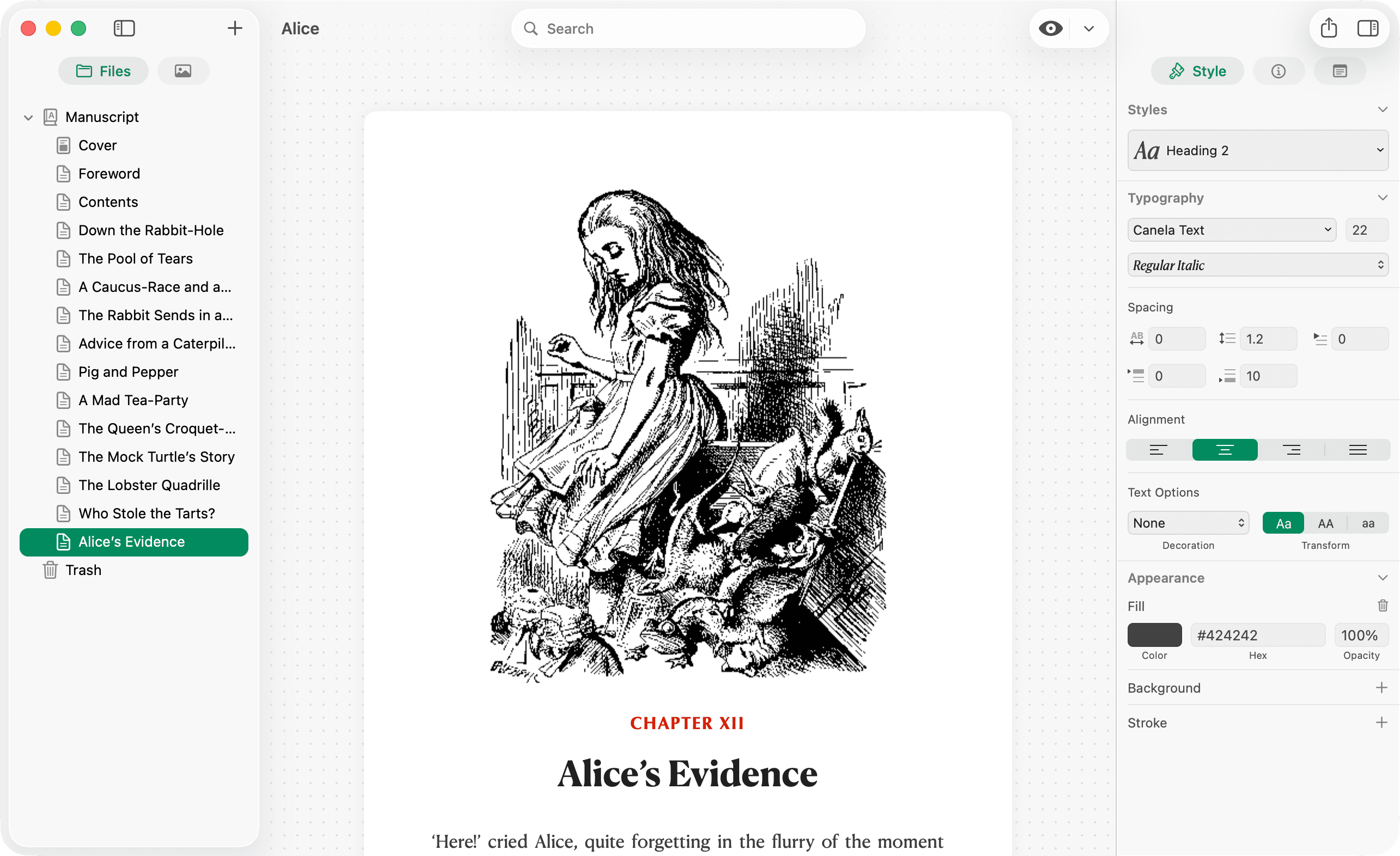
The default Design view (labeled Pages in the preview-mode menu) shows your book as paginated pages with your stylesheet applied.
- Page breaks, margins, and running headers/footers
- Typography from your book stylesheet
- Tables, images, footnotes, and Mermaid as they appear in layout
Use Design to check how chapters look before you export a PDF or ePub.
Kindle simulator — e-ink lens
Open the preview-mode menu (next to the eye control) and choose Kindle.
- Renders pages inside a device frame with e-ink styling
- Uses Kindle Paperwhite page dimensions
- Helpful for line length and contrast before you ship an ePub
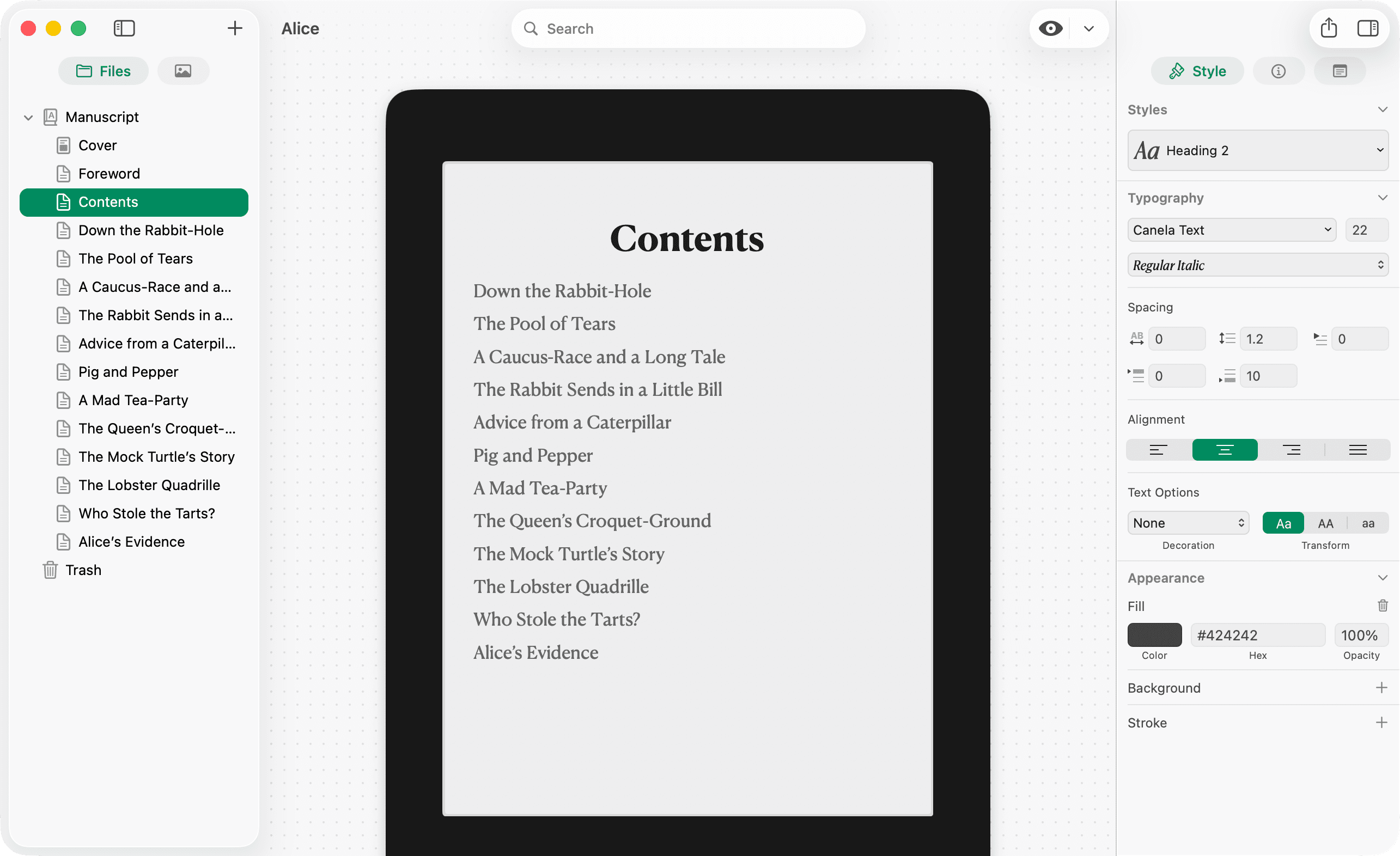
The Kindle view is a simulator, not Amazon’s Kindle app. Spot-check on a real device or Apple Books before publishing.
Quick comparison
| Mode | Best for |
|---|---|
| Write | Drafting and editing Markdown |
| Design (Pages) | Checking paginated layout before PDF/ePub |
| Kindle simulator | E-ink reading feel |
| Export | Delivering files to readers |