The Self-Publishing Studio.
The all-in-one Mac app for writing, editing, designing, and exporting books in Markdown.
Download for macOSRequires macOS 13+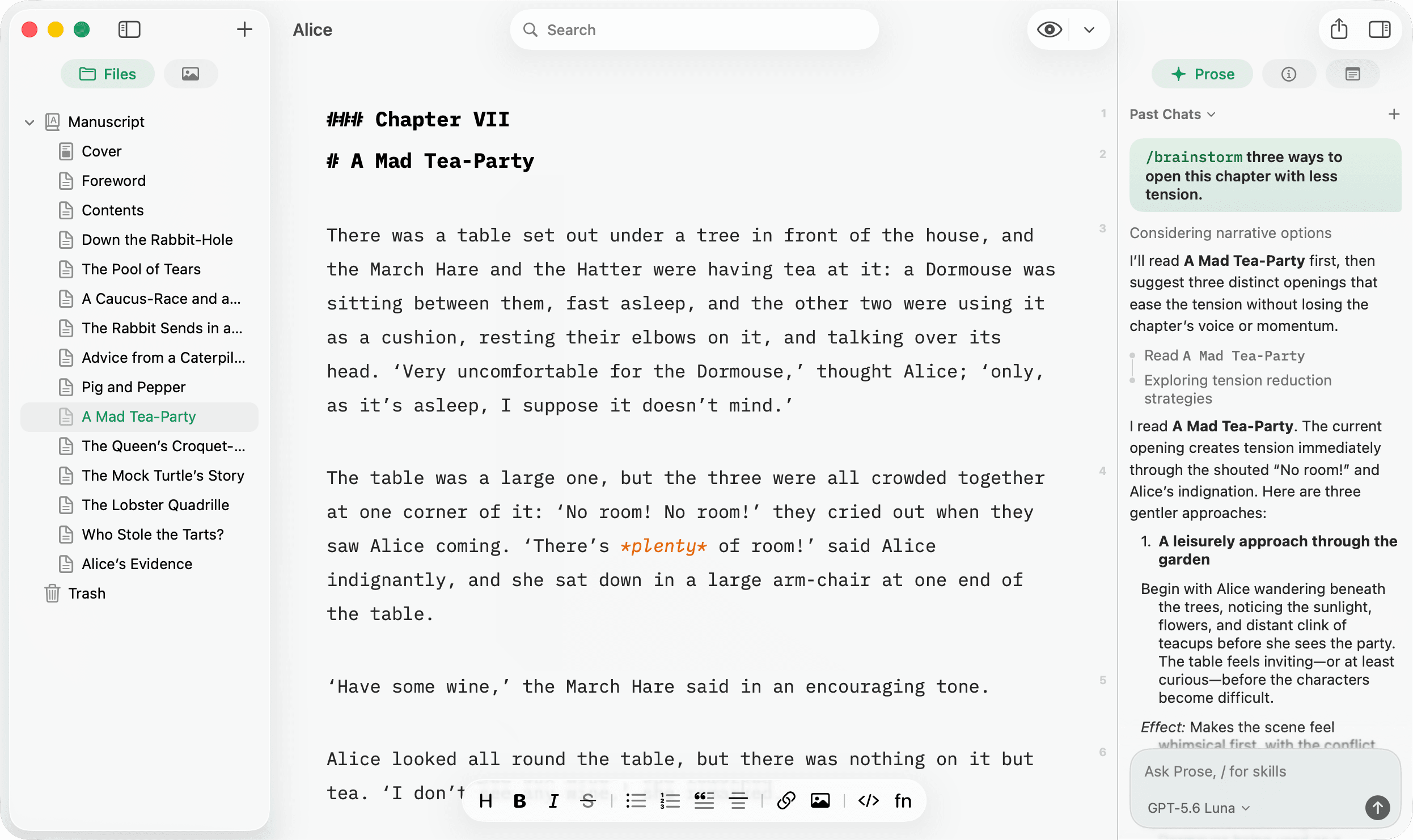
Write
Ask in plain language. Or type /
Prose is an AI editor that works in the margin of your manuscript, never in a separate chat window. Describe what you need, or reach for a skill. Nothing lands in your book without your review.
- Stuck at chapter one?
/drafting-partnerco-drafts scenes from your beats, notes, or outline, in your book’s voice.- Lost the thread?
/continue-chapterpicks up where you stopped, using nearby chapters, your voice, and project memory.- Not sure it lands?
/beta-readerreacts like a first reader — impressions, confusion, pacing. Before anyone else sees it.
- Drafting
- /drafting-partner/continue-chapter
- Ideation
- /brainstorm
- Feedback
- /beta-reader
- Editing
- /developmental-edit/line-edit/tighten-prose
- Publishing
- /market-analysis
Bundled skills. Add your own with /create-skill.
Edit
Edits with surgical precision.
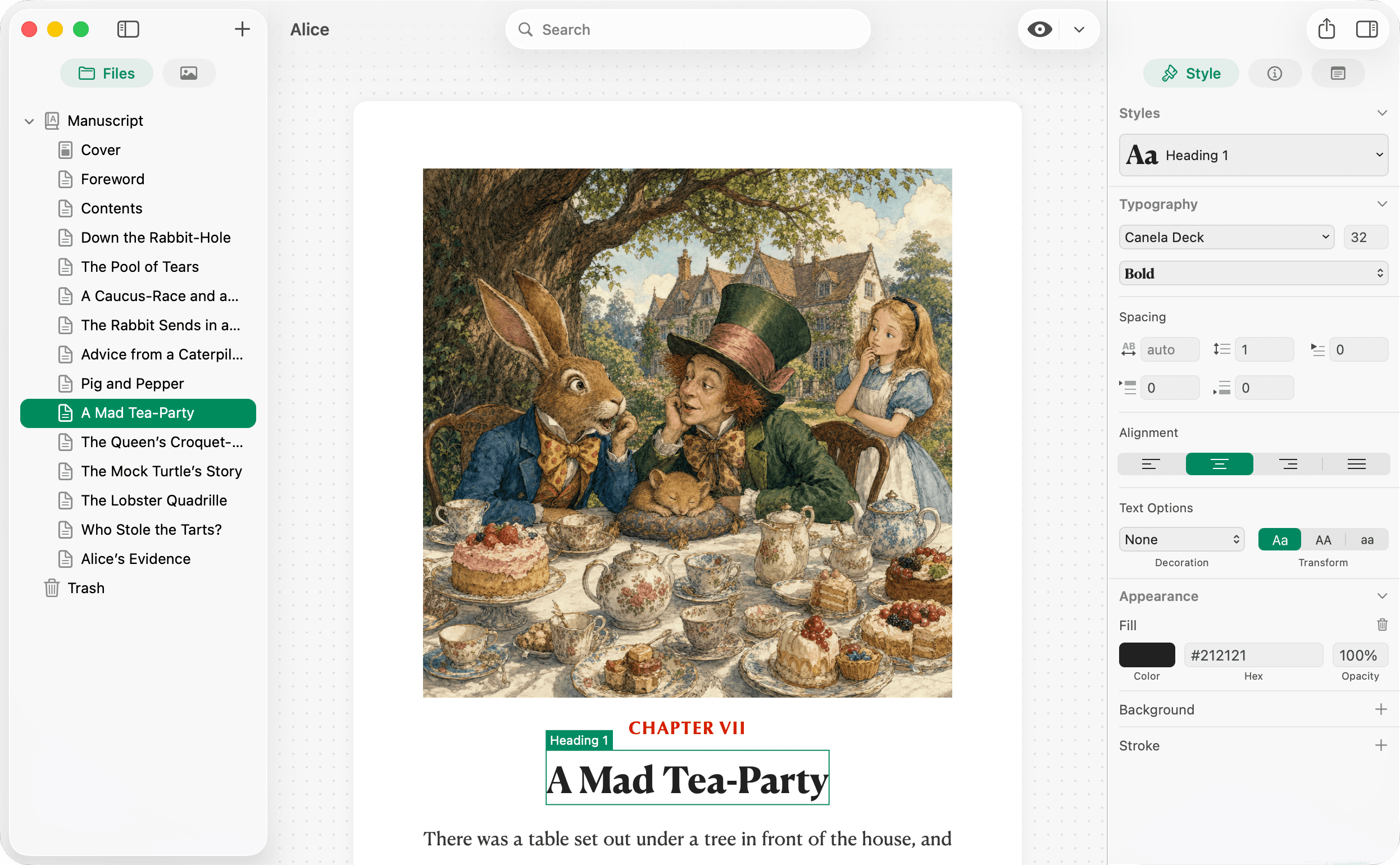
Prose can read the whole chapter first. Its edits are shown as reviewable diffs. See exactly what changes, then accept or reject. Your voice stays yours.
- Final pass before publishing?
- Sweep a chapter for grammar, clarity, and consistency in one ask.
- Protective of your style?
- Tell Prose to fix only typos and leave the voice alone. It listens.
- Want the details?
- Every fix arrives as a before/after diff, labeled by type: grammar, word choice, formatting.
Illustrate
Pictures, made from your words.
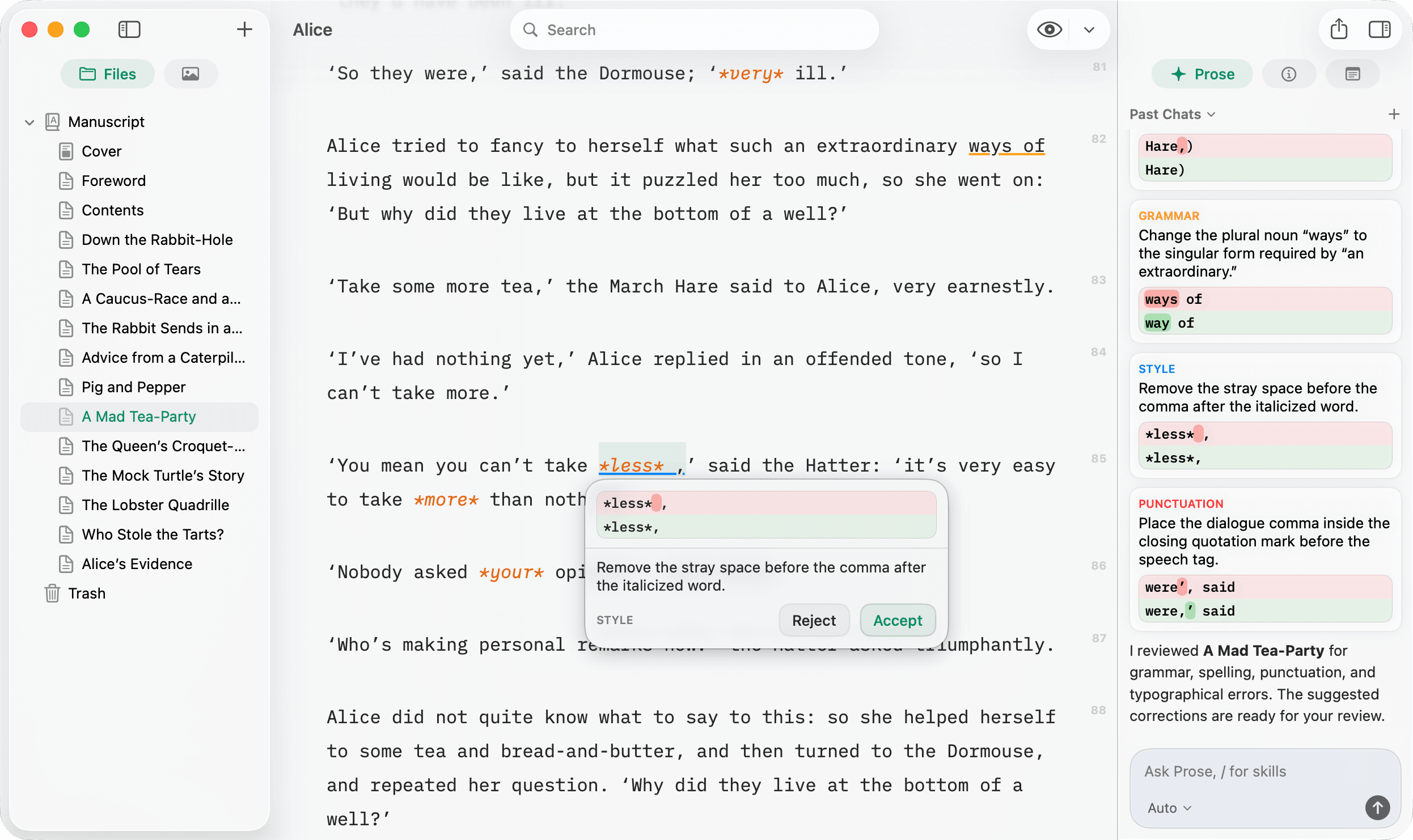
Ask for an illustration and Prose draws artwork that belongs in your book. Grounded in your chapter, saved to your assets, ready to place.
- Grounded, not generic.
- Prose reads the scene before it draws. Its tea party has your Dormouse asleep between the March Hare and the Hatter.
- One style, every plate.
- Set the look once, from vintage engravings to modern styles, and every illustration keeps it.
- Yours to place.
- Finished artwork lands in your project assets, ready to drop in with one line of Markdown.
Design
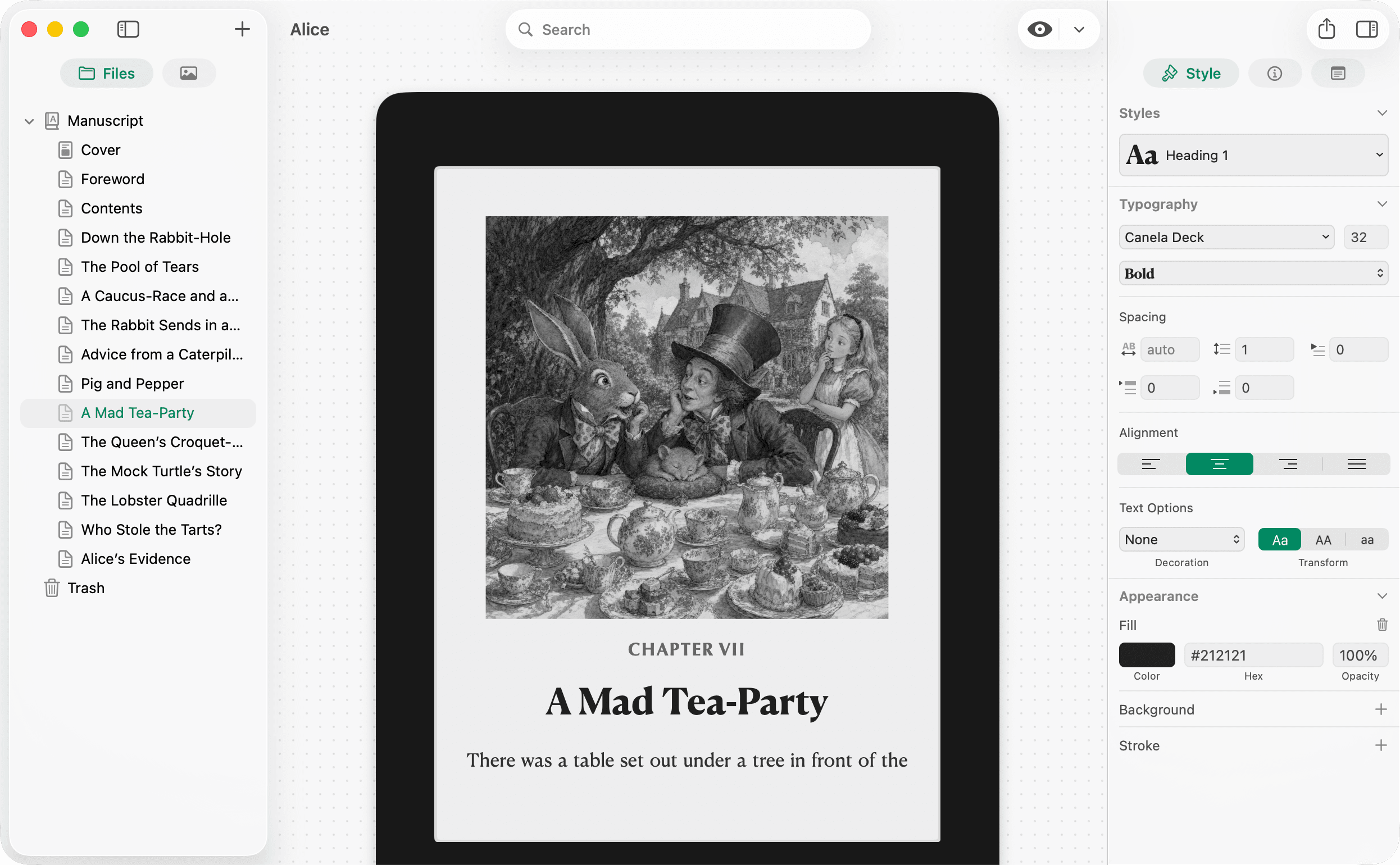
Typeset like a professional.
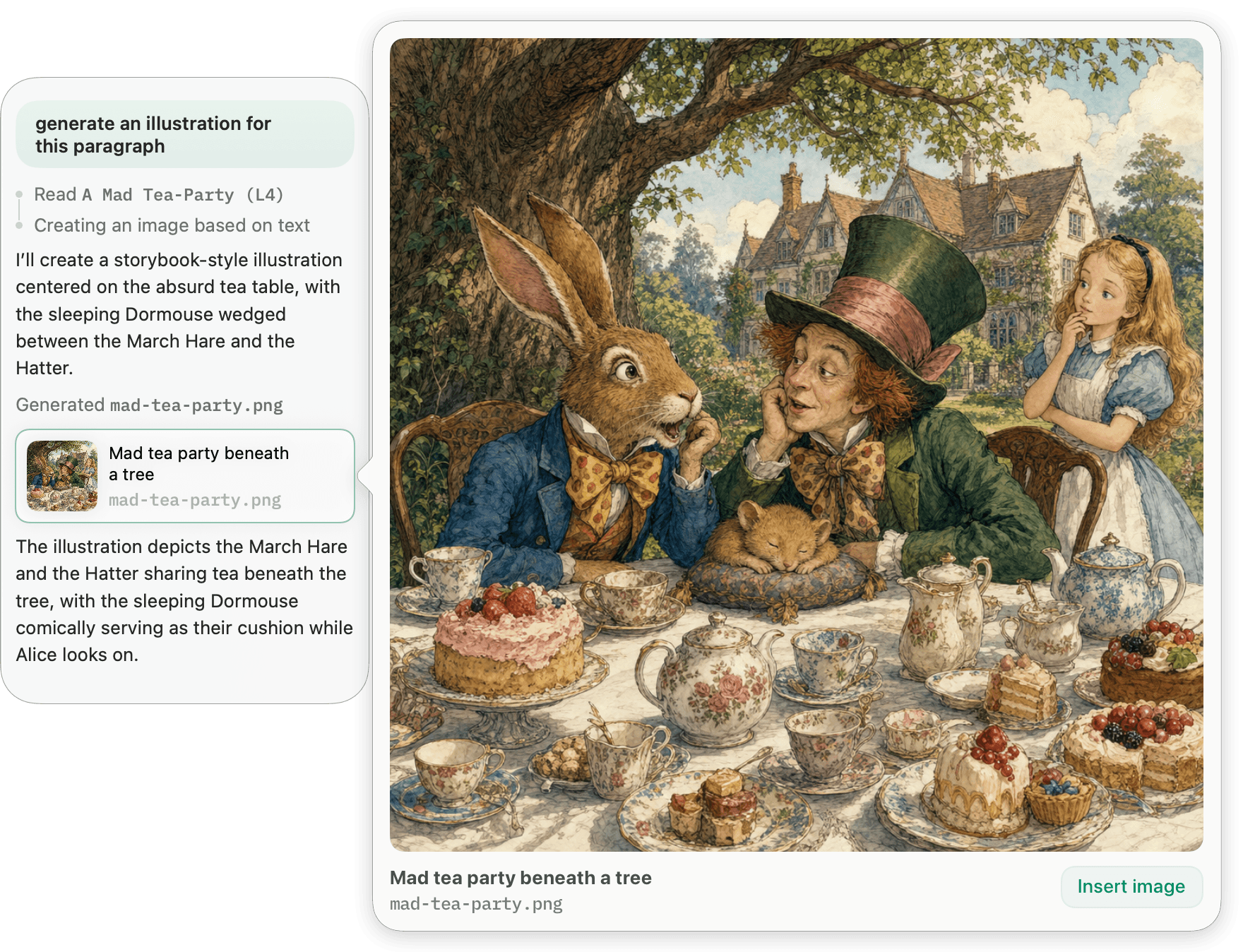
A real paginated preview with a full style system: fonts, spacing, alignment, footers. Set it once and every chapter follows.
- Unlimited fonts.
- Every font installed on your Mac is available. Pick the ones you want.
- Paragraph spacing.
- Full control over paragraphs and character spacing for optimal readability.
- Reusable styles.
- Customize a project's style and easily duplicate it for use in other books.
Preview
Read it like your readers will.
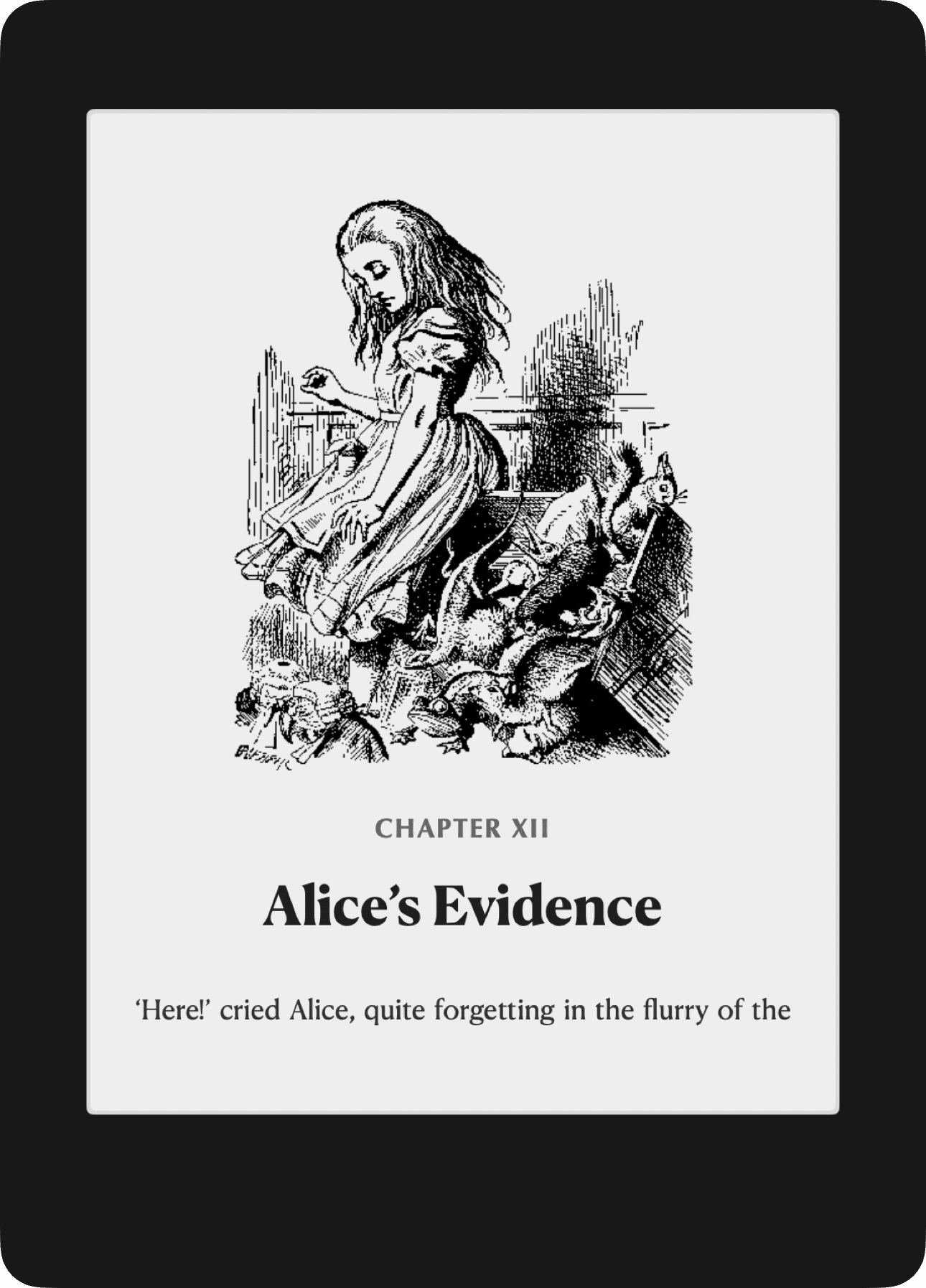
Flip between PDF pages and a Kindle e-ink simulator without leaving the app. Catch page breaks, line lengths, and contrast before anyone else does.
- Device previews.
- See how your styles will look on a Kindle-style e-Ink display or as a clean digital PDF.
- Instant refresh.
- Your preview updates instantly as you type, without ever losing your scroll position.
- Fast across long books.
- Style and typography changes render across a full manuscript without a spinner.
Export
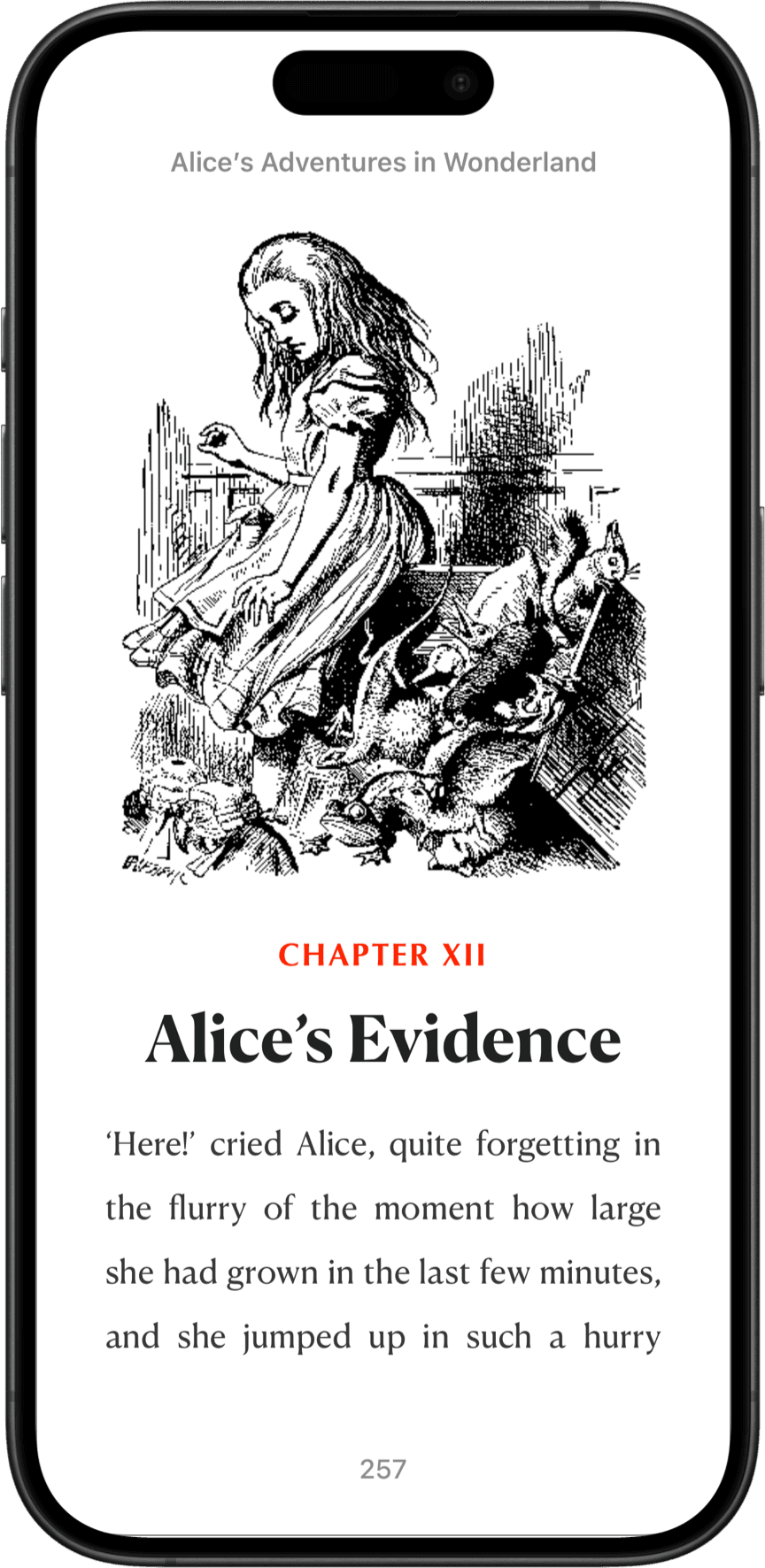
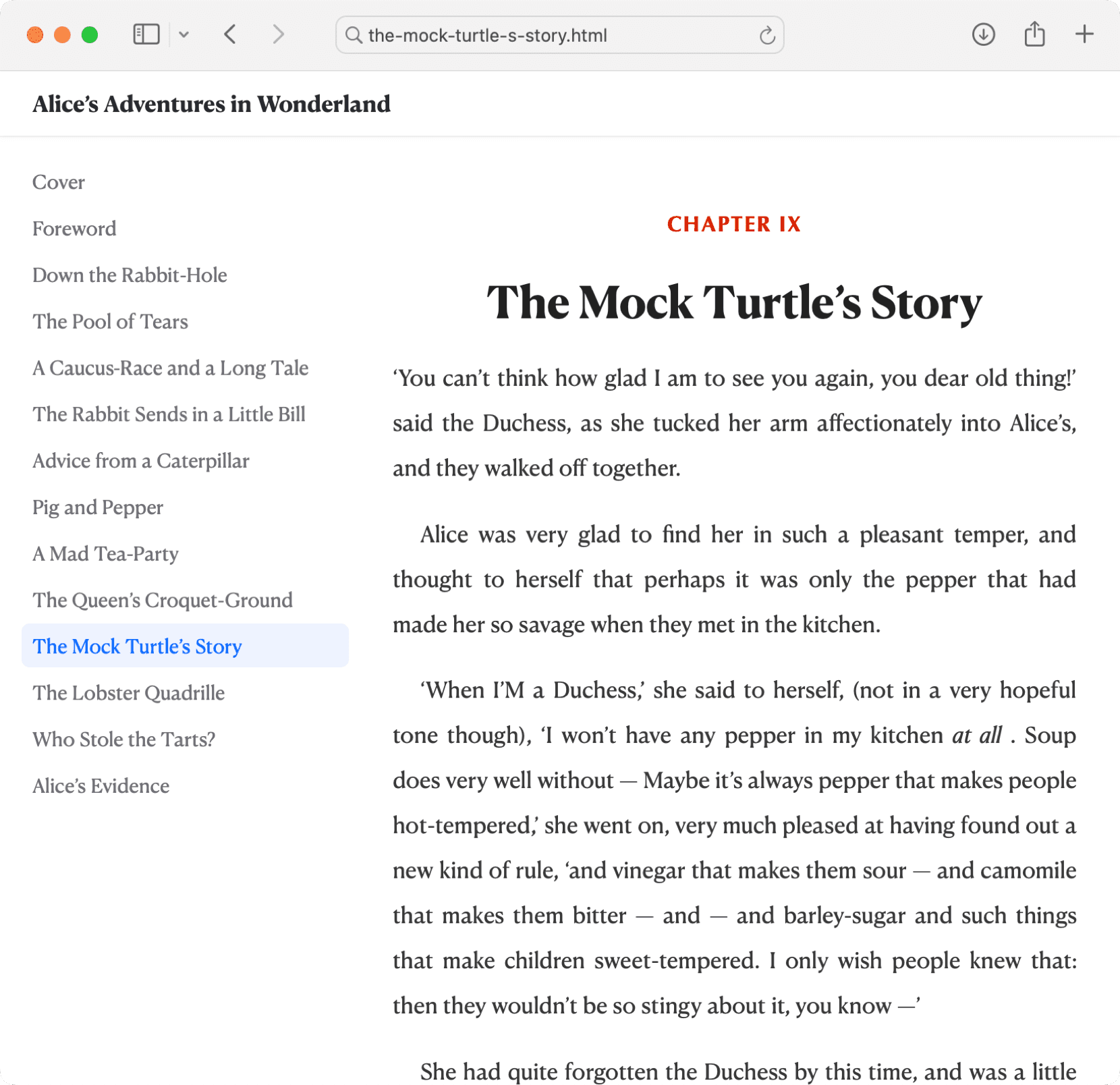
ePubs that look good. On any device.
Pinery creates professional ePub 3 files that work perfectly on Apple Books, Kindle, Kobo, and other eReaders.
Export
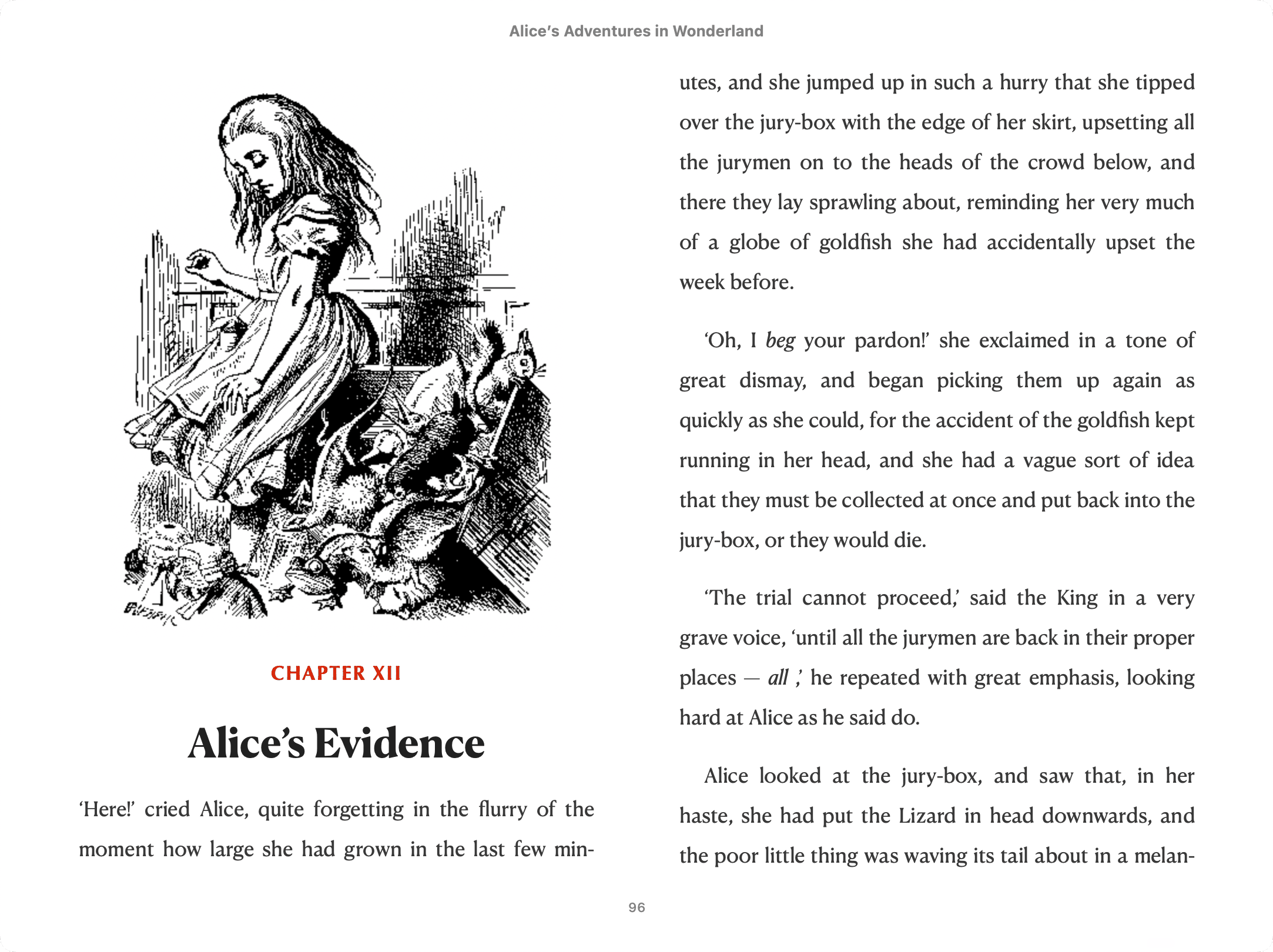
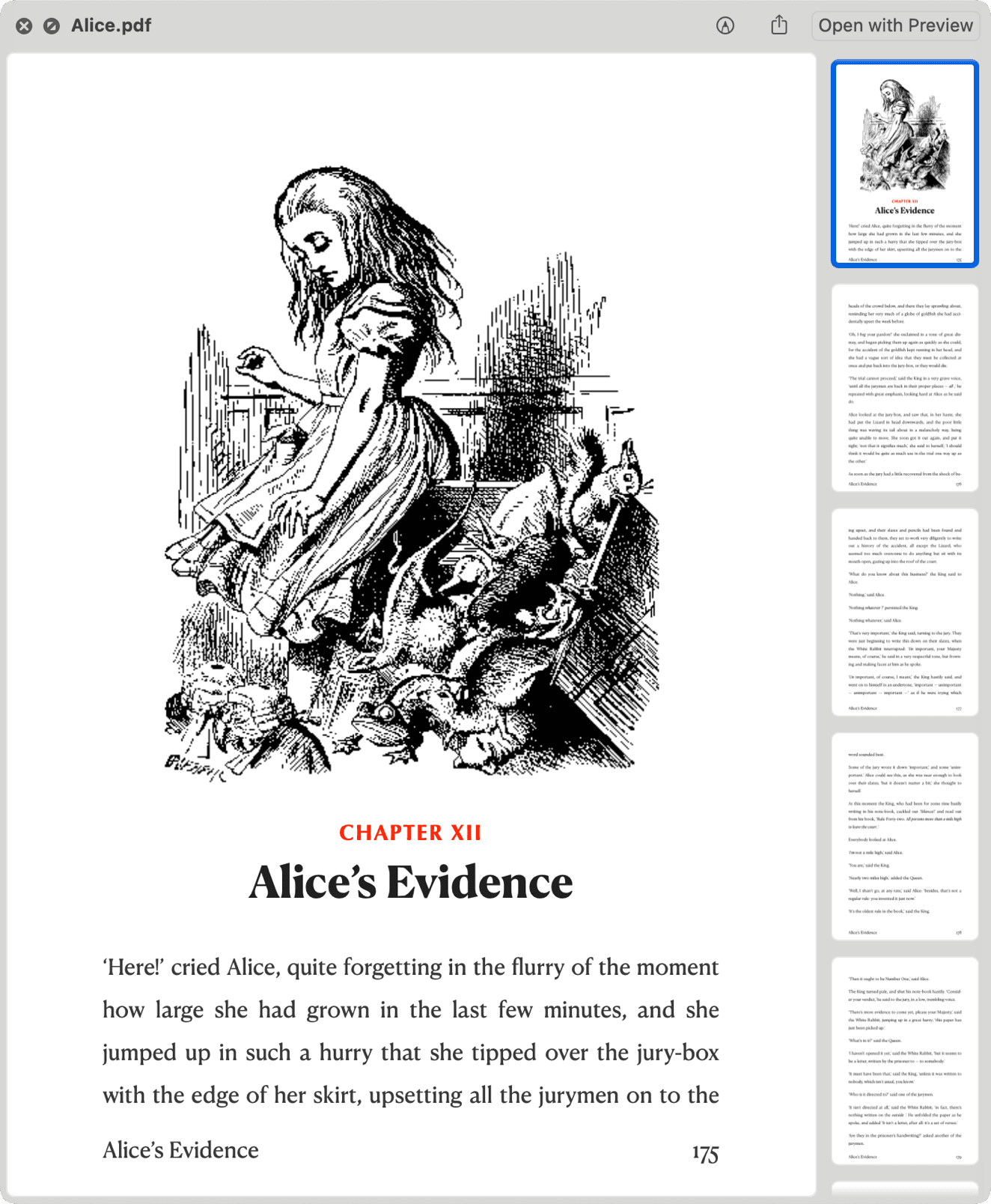
Digital PDFs & Static websites.
Pinery exports your work as a high-quality digital PDF that you can sell or share. You can also export your project as a static website.
In the box
The rest of the studio.
Prose is the newest part of Pinery, not the whole of it.
- Focus on writing.
- A distraction-free Markdown editor built for book-length manuscripts.
- Reusable assets.
- Every image in one place, ready to drop into any chapter.
- Instant tables of contents.
- Drop in a TOC and it builds itself, with real page numbers that stay in sync.
- Chapter notes.
- Research and continuity live in the inspector — never in your export.
- Import from Word.
- Already started? A .docx becomes Markdown chapters.
- Your files stay yours.
- Plain Markdown on your Mac or in iCloud, readable with or without Pinery.