Get started

Pinery Help

Pinery is a Mac app for writing, designing, and publishing books with Markdown—and an AI companion called Prose.
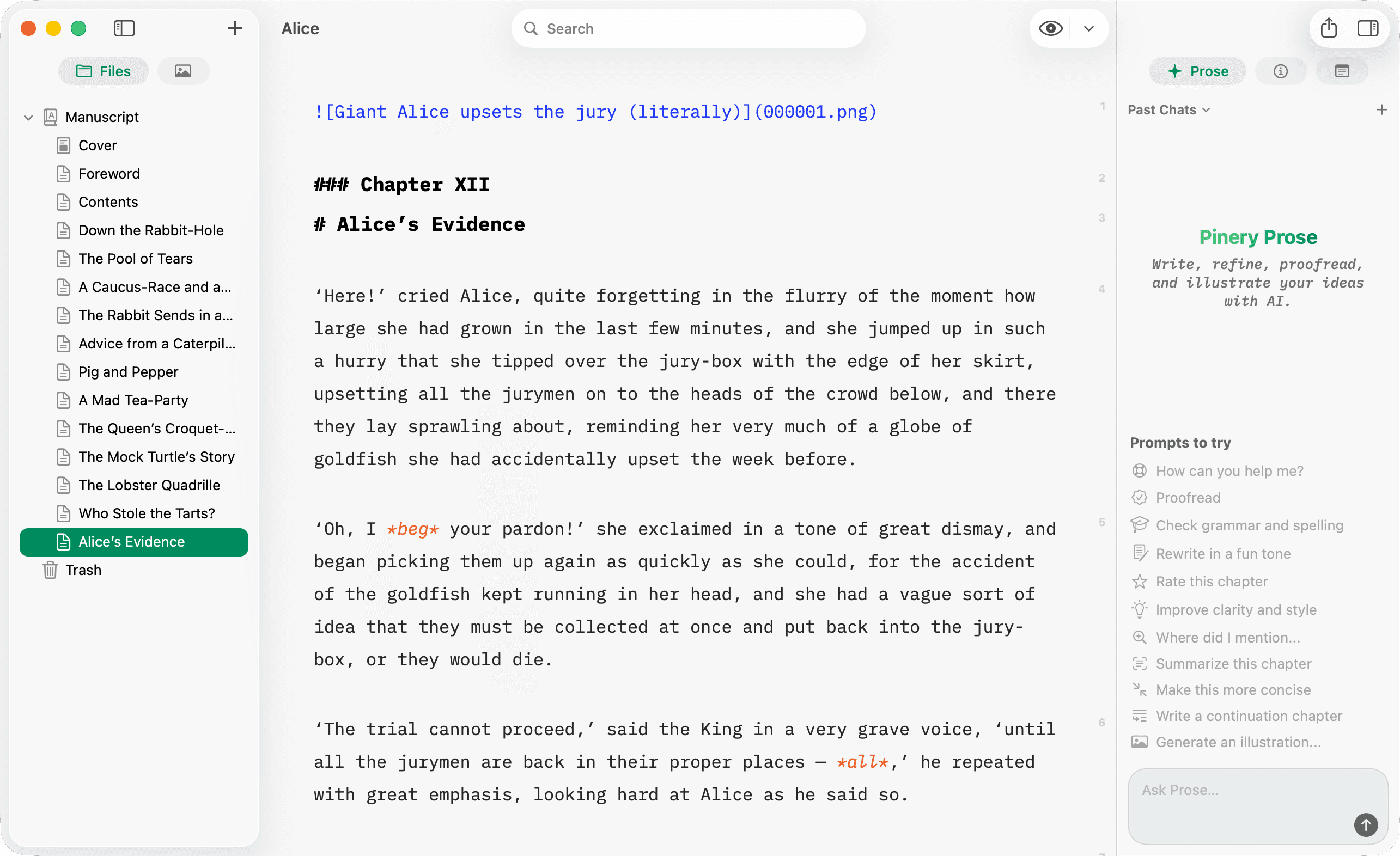
Pinery Write tab showing Markdown source beside the Prose panel
Write — edit Markdown with syntax highlighting, with Prose available on the side.

What is Pinery?

You write in Markdown, preview layout in Design (and a Kindle simulator), and export to PDF, ePub 3, or a multi-file HTML site. Prose can draft chapters, proofread, illustrate, and search your manuscript in plain language.

A Pinery project is a book (.pinery bundle) made of chapters (Markdown files), assets (images), and a stylesheet that controls typography in Design and export.

Start here

Your first book

From a blank project to your words in the Design preview.

Meet Prose

Run your first AI prompt and review the result as a diff.

Markdown cheat sheet

Every piece of syntax Pinery supports, on one page.

Export your book

Ship a PDF, ePub 3, or a static HTML site to readers.

What you can do with Pinery

Write a book with AI

The full workflow: outline, draft, review diffs, publish.

Write a book with AI

Publish to Amazon KDP

Export ePub 3, preview Kindle layout, and upload to KDP.

Publish to Amazon KDP

Publish to Apple Books

From ePub export to the Apple Books store, all on your Mac.

Publish to Apple Books

Images

Drop pictures into chapters and manage them in Assets.

Images

Link chapters & TOC

Fragment links, heading ids, and the automatic {{TOC}}.

Link chapters & TOC

Mermaid diagrams

Describe flowcharts in text; Pinery renders the chart.

Mermaid diagrams

Code blocks

Syntax highlighting for 70+ languages, with auto-detect.

Code blocks

Design & styling

Fonts, page size, and chapter openers from one stylesheet.

Design & styling

Preview modes

Write, paginated Design, and the Kindle e-ink simulator.

Preview modes

Import from Word

Convert a .docx into Markdown chapters and keep going.

Import from Word

Keyboard shortcuts

Formatting and app shortcuts for faster writing.

Keyboard shortcuts

FAQ

Quick answers on AI, KDP rules, formats, and pricing.

FAQ

Need a hand?

Visit Contact & support—we answer by email and hang out in the community Discord.