Writing
Add and manage images
Images live in your book’s Assets and are referenced from Markdown.
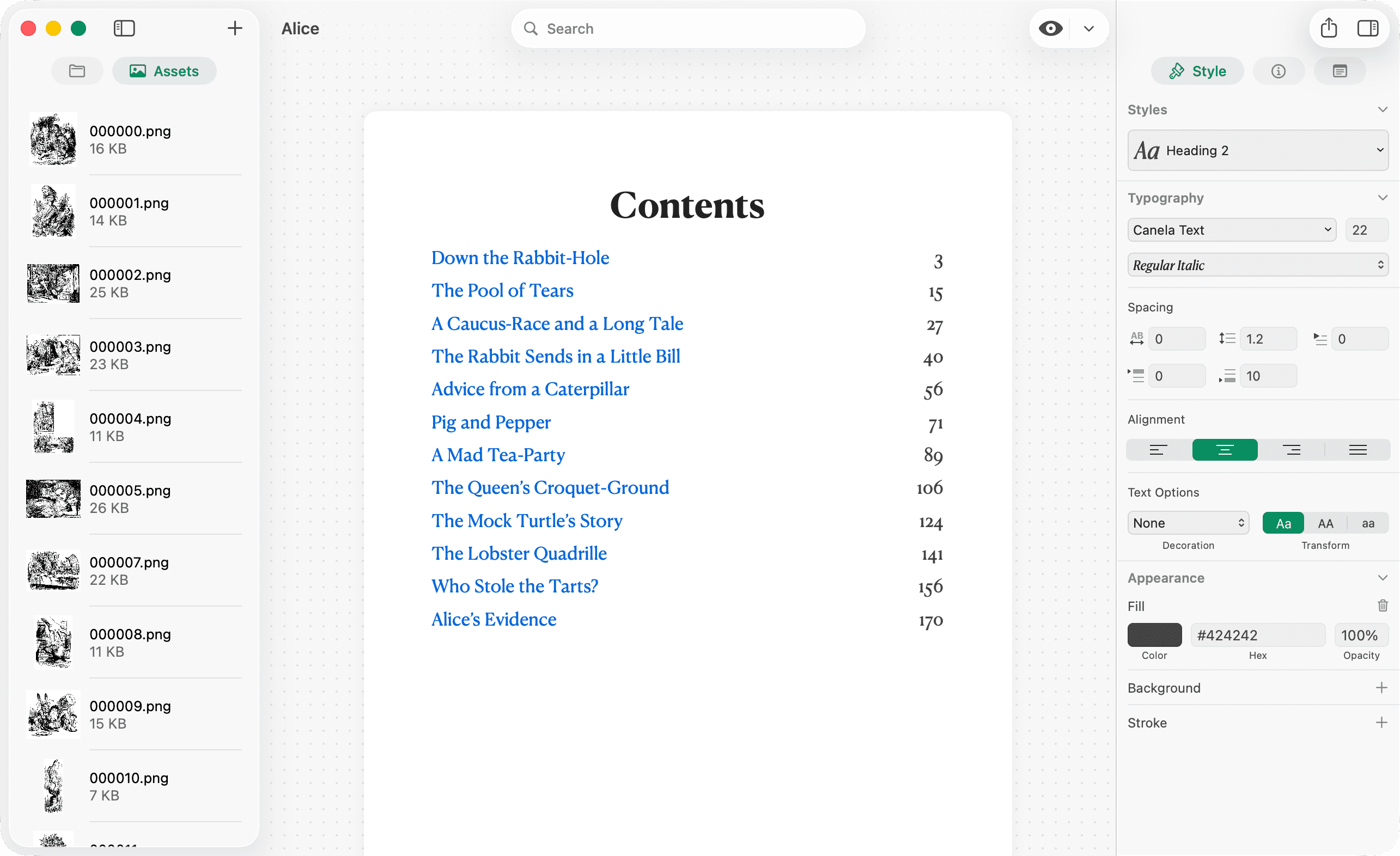
Drag and drop into the editor
Drag a PNG, JPEG, HEIC, TIFF, or PDF from Finder onto the chapter text. Pinery inserts  at the drop location.
You can also drop images onto the Assets panel or the + button in the navigator—then reference them manually in Markdown.
Assets panel
Open the photo tab in the left sidebar. Drag assets out to Finder to reuse them elsewhere.
Markdown syntax

The filename must match an asset (matched by file name). How the image is sized and centered comes from your stylesheet in Design.
Images from Prose
When Prose generates an illustration, drag the result from the chat into the editor like any other image.