Design & export
Style your book (Design)
The Design tab shows your book as paginated pages with your stylesheet applied.
Stylesheet
Your book includes a stylesheet that controls:
- Fonts and sizes for headings and body text
- Page size (for example A4 or US Letter)
- Headers, footers, and chapter openers
- Table and blockquote appearance
Adjust styles in the Style inspector while Design is open.
Chapter covers
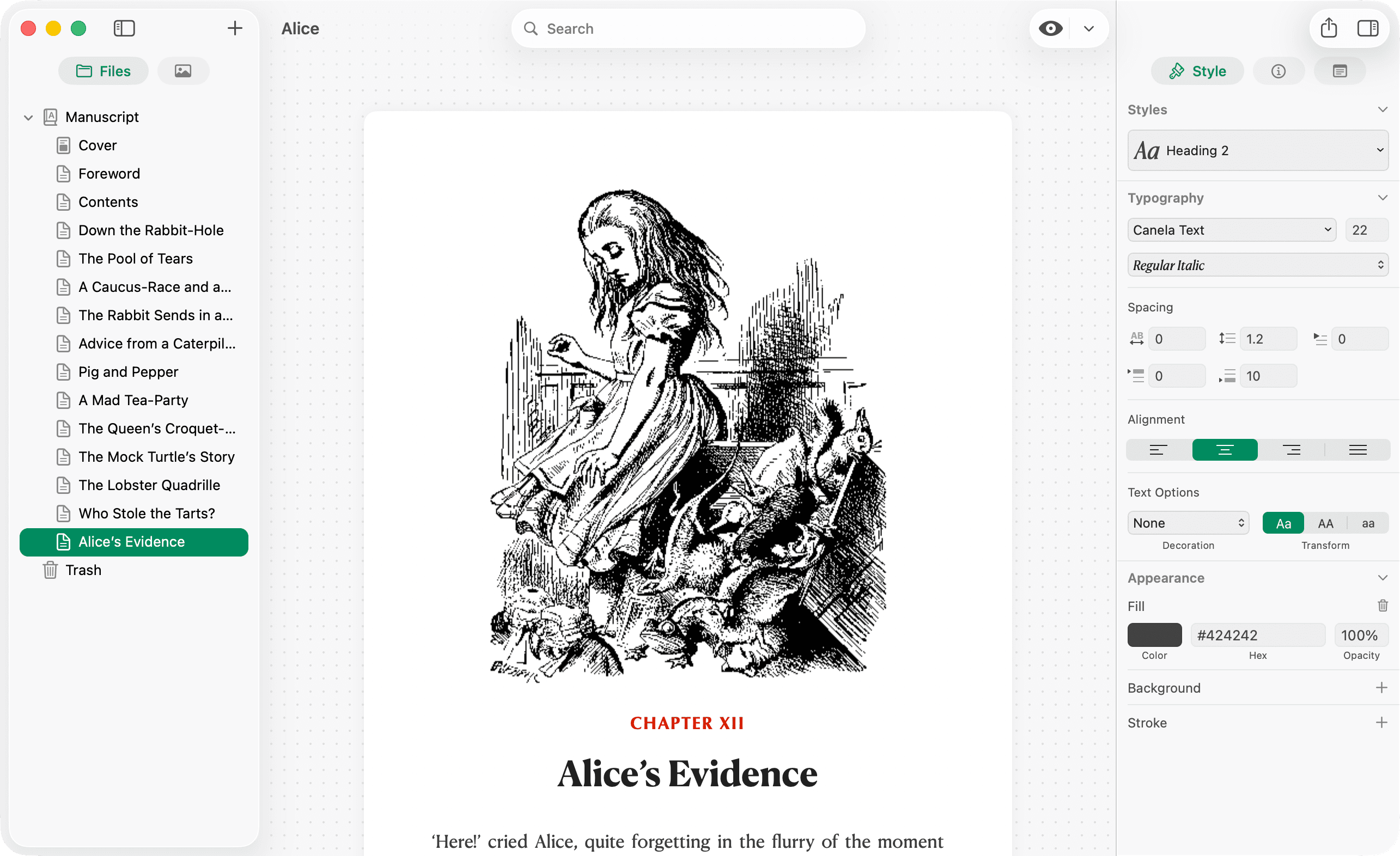
Add a cover image per chapter where your template supports it. Covers can appear as their own page in PDF export.
Pages vs Kindle
- Pages — default Design view; use when checking PDF layout.
- Kindle — device-framed e-ink preview; see Preview modes.